
How do I log in using Two-Factor Authentication?
1. Enter your email address and password on the Wordsynk login page.
A one-time 6 digit security code will be sent to your authenticator app.
2. Enter this code in the Authentication Code field and click Sign in.
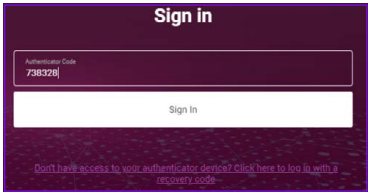
Note: The authenticator app generates a new code every 30 seconds. You need to enter the code within that timeframe.
Comments
0 comments
Please sign in to leave a comment.